
What is a Clicker? Why Should I Use It?
Post Date:
November 15, 2023
(Date Last Modified: November 13, 2025)
A clicker can mean a small handheld device, a smartphone app, or a simple sound used to mark or record an event during instruction, training, or presentation. Recognizing the range of forms helps you match a model to your setting and goals.
What Is a Clicker?
At its simplest, a clicker is a deliberate, repeatable signal used to mark an instant — either for human feedback or to record a response. As a category it includes physical hardware that emits a press-generated signal, software-based polling tools that collect responses from browsers or apps, and minimalist marker tools used in animal training that produce a short, distinctive sound.
Hardware classroom remotes commonly provide 4 to 32 selectable response options[1]. This range reflects low-end devices built for true/false or multiple-choice questions and higher-end units that allow many discrete selections or coded responses for larger question banks.
Types of Clickers
Clickers fall into three broad families that overlap in capability and use.
Classroom remotes: Dedicated RF or infrared remotes are designed for lecture halls and often pair with a base station that aggregates responses. They are commonly used where phones are restricted or where a simple, robust hardware solution is preferred.
Mobile apps and web-based polling platforms: These run in a browser or as an app and convert student or audience devices into response units. They can provide richer question types, multimedia prompts, and paced polling without specialized hardware.
Presentation remotes and animal-training clickers: Presentation remotes focus on slide advancement and pointing; animal-training clickers are small handheld sound markers used to tag behavior.
| Type | Typical options | Typical audience size | Primary use |
|---|---|---|---|
| Classroom remote | 4–32 choices | 10–300+ | In-class formative questions |
| Mobile/web polling | open text, polls, quizzes | single room to 1,000+ | Interactive lectures and meetings |
| Presentation remote | 2–5 buttons | small to mid audiences | Slide control, simple polls |
The table summarizes typical configurations and use cases; individual products vary by manufacturer and platform[1].
How Clickers Work
At a technical level, clickers map a user action (a button press or a screen tap) to a recorded event. Physical remotes usually transmit using radio frequency or infrared to a receiver that logs responses, while apps and web tools send data over Wi‑Fi or cellular networks.
The marker-feedback loop is central to effective use: a click or signal marks the exact moment of a response or behavior, and timely feedback or reinforcement follows. For animal training, effective marker timing is typically within about 200 milliseconds to reliably associate the marker with the intended action[3].
Many classroom systems integrate with learning management systems (LMS) via industry standards such as LTI or by exporting results as CSV files, allowing instructors to import participation or quiz data into gradebooks and analytics tools[1].
Why Use a Clicker?
Clickers are adopted to increase active participation, speed feedback loops, and deliver precise markers for behavior or response timing. They make it easier to collect and aggregate responses in real time and can lower the friction of asking and answering questions in group settings.
Formative assessment with clickers can supply a classroom-wide diagnostic in under a minute after a poll closes, giving instructors near-immediate data to adjust instruction or address misconceptions[5].
Benefits for Teaching and Learning
Clickers enable retrieval practice by prompting learners to recall information rather than passively receive it, and they create accountability when participation is tracked. Peer instruction workflows often use a first poll, peer discussion, and a second poll to reveal conceptual changes.
Peer-reviewed research has reported average improvements in exam performance of about 6 to 12 percentage points when interactive response systems are integrated with active learning strategies[2]. Those gains reflect combined effects of retrieval practice, immediate feedback, and increased engagement rather than the clicker alone.
Immediate diagnostics from polls help instructors identify which topics need reteaching, often in the same class period, so time spent on low-yield topics can be minimized.
Benefits for Presentations and Meetings
In professional settings, clickers and polling apps support instant polling to surface opinions, prioritize items, and build consensus. Quick polls can clarify group preferences in seconds and inform next steps without lengthy discussion.
Anonymous polling with a clicker reduces social pressure and can produce more honest input on sensitive topics, improving the quality of decisions and stakeholder feedback.
Benefits for Animal Training and Behavior
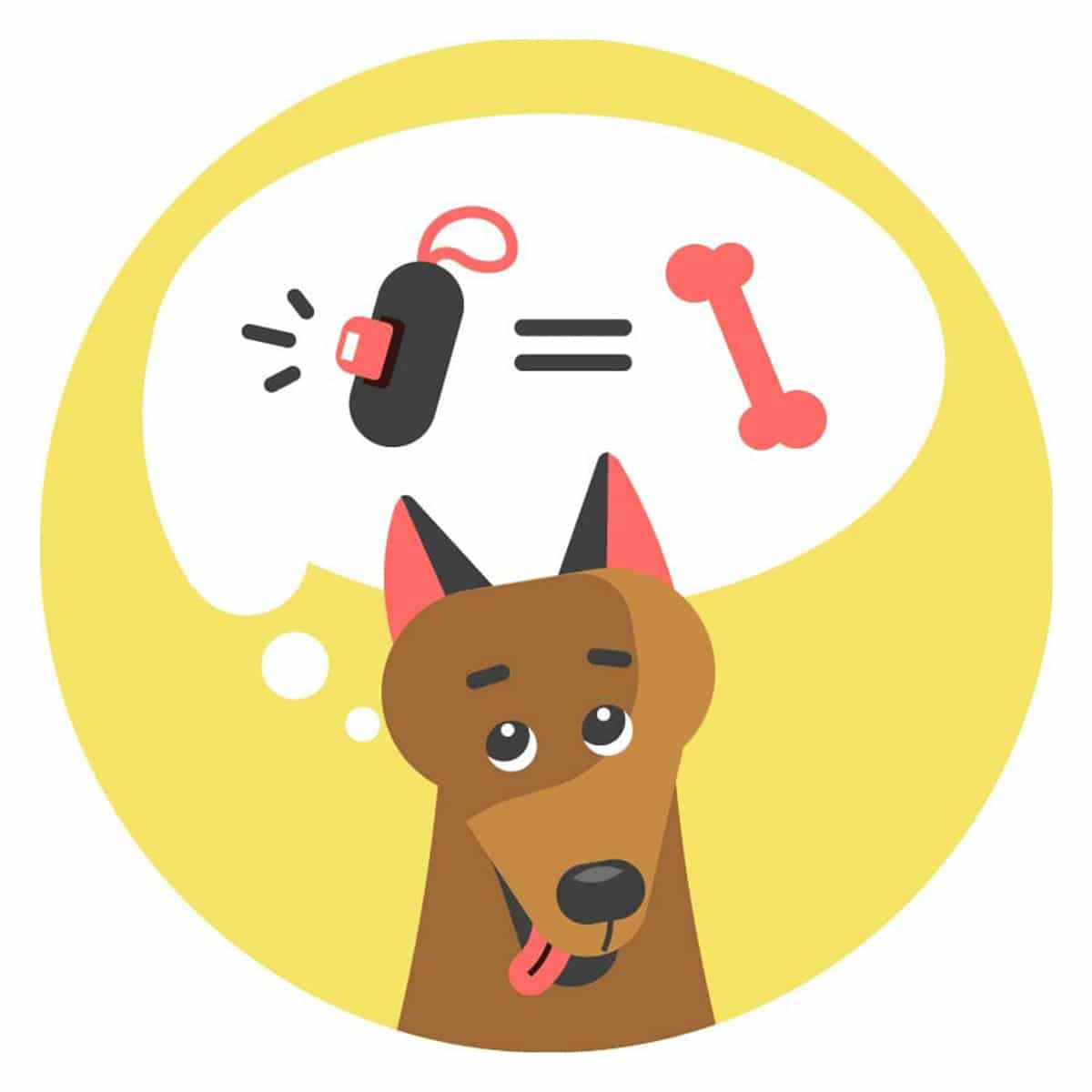
In behavior shaping, a clicker serves as a precise temporal marker that pinpoints the exact instant a desired action occurred so a reinforcer can follow. That precision allows trainers to reinforce small, incremental approximations toward a target behavior.
Using a clicker improves consistency across sessions by providing the same auditory marker each time. Research and practitioner guides emphasize consistent timing; many trainers aim for markers and reinforcements within 0.1 to 0.5 seconds of the target behavior to maintain clarity across different handlers[4].
Because the click is a neutral, conditioned cue it can be paired with a variety of reinforcers, making it versatile for shaping complex or chained behaviors in companion animals and working animals alike[3].
Limitations and When Not to Use a Clicker
Clickers are tools, not substitutes for sound instructional design or trainer expertise; relying on a device without clear objectives and well-designed questions can lead to shallow engagement. Instructors who only use clickers for attendance or trivial tasks may see limited pedagogical benefit.
Accessibility and technical constraints can also limit use: some participants lack compatible devices, and some venues have poor wireless infrastructure. When hardware, software, or support are unreliable, clickers can distract from the primary activity rather than enhance it.
For animal training, over-reliance on the clicker without timely reinforcement or clear contingency can create confusion; trainers must ensure the click is consistently paired with appropriate reinforcers and that welfare considerations are observed[4].
Choosing and Setting Up a Clicker
Key selection criteria include compatibility with your environment, the question types you need, integration with existing systems, durability, and cost. For classroom-scale deployments, consider whether devices require a base station or if a web-based approach will better leverage student smartphones.
- Confirm platform compatibility with your LMS or export needs and whether the vendor supports LTI or CSV export for gradebook import.
- Evaluate response capacity and privacy options; determine whether anonymous response modes are available if needed.
- Assess accessibility features such as keyboard navigation, screen-reader compatibility, and alternative input options for participants with disabilities.
Basic setup steps often include charging or inserting batteries, pairing devices to a receiver, verifying network access for app-based systems, and running a short pilot poll to confirm that responses are received and recorded as expected[1]. Check data retention and privacy settings before collecting personally identifiable information.
Best Practices and Advanced Techniques
Write clear, focused questions aligned to your learning objectives; use distractors that reveal common misconceptions and avoid overly complex stems that confound measurement. For peer instruction, allow time for individual response, short discussion, and a second vote to measure conceptual change.
Timing of feedback matters: provide concise explanation or targeted follow-up immediately after polling to close the learning loop. Scaffold question difficulty across a session to move from recall to application and analysis.
Leverage analytics from polling tools to identify persistent knowledge gaps and to plan follow-up instruction or remediation. Aggregate trends over multiple sessions to evaluate whether a concept needs curricular adjustment.
Case Studies and Real-World Examples
In a university science course, instructors replaced three traditional lecture segments per week with short polls and peer discussion; after the change, formative assessment data showed improved alignment between in-class performance and summative exam items, supporting targeted reteaching and curriculum tweaks[2].
At a professional conference, organizers used live polling to prioritize workshop topics, reducing selection time and increasing attendee satisfaction with session relevance. Anonymous voting helped surface diverse viewpoints that a raise-of-hands method might have missed.
In companion-animal training, small, consistent clicks paired with food rewards allowed trainers to shape complex sequences such as multi-step obedience routines with fewer errors and clearer timing than verbal cues alone[3].
Choosing whether and how to use a clicker depends on your goals, the logistics of your environment, and commitment to using the device as part of a broader instructional or training strategy.
Sources
- educause.edu — polling and classroom technology resources.
- ncbi.nlm.nih.gov — peer-reviewed studies on interactive response systems and learning outcomes.
- vca.com — practical guidance on timing and marker use in animal training.
- avma.org — animal behavior and welfare guidance relevant to training practices.
- eric.ed.gov — resources on formative assessment and classroom diagnostics.
